
If you’ve been on Weebly for a while, you probably know this feeling: it was great for getting online quickly, but now it feels like you’ve outgrown it. Templates look dated, the app center is limited, eCommerce tools are basic, and you keep bumping into “you can’t do that here.”
At that point, the question isn’t whether to move. It’s where to move.
The good news: there are several strong Weebly alternatives. The challenge: they’re not interchangeable. Shopify, WordPress, Wix, Squarespace, Webflow, and others all solve slightly different problems and fit different types of businesses.
This article walks through the leading Weebly alternatives, what each is really good at, and how to decide which one should power your site after the migration.
Why People Look for Weebly Alternatives
Most website owners don’t wake up one day and randomly decide to leave a platform. There’s usually a slow build-up of friction.
Common triggers include:
- Design frustration: You want a modern, on-brand website, but Weebly’s templates and layout tools feel dated and stiff.
- eCommerce limits: You’d like to treat your store as a real business, but Weebly’s shopping features, checkout, and promotions feel too basic.
- Integration gaps: Your CRM, email platform or shipping provider isn’t properly supported – or only via awkward workarounds.
- Lack of growth path: You’re ready to invest in SEO, content, or more advanced functionality, but Weebly’s structure doesn’t give you much to work with.
The pattern is simple: Weebly is designed for starting, not necessarily for scaling. When your website becomes a real business asset, that design philosophy starts to hurt.
That’s when a migration stops being a scary idea and starts looking like a necessary upgrade.
Read also: Weebly Detailed Review — Key Strengths, Weaknesses and Main Features
Shopify: The Go-To Alternative for Serious Online Stores

If your main reason for leaving Weebly is eCommerce, Shopify usually sits at the top of the shortlist.
Why Shopify stands out as a Weebly alternative
Shopify is built from the ground up as an eCommerce platform:
- Product and variant management that can handle small catalogs and large inventories.
- Strong checkout flows, multiple payment options, and support for different currencies and tax setups.
- Deep discounting tools, abandoned cart recovery, and built-in marketing hooks.
- Multi-channel selling (online store, POS, social channels, marketplaces).
- A huge app ecosystem focused entirely on selling more and managing operations better.
Where Weebly’s store features feel like an add-on to a simple site builder, Shopify’s entire admin interface is designed for store owners – orders, products, customers, analytics, and fulfillment are front and center.
Read also: Shopify Detailed Review
When Shopify is the right choice
Shopify is a particularly strong Weebly alternative if:
- Your revenue depends heavily on online sales.
- You’re ready to grow your catalog, invest in marketing, and optimize conversion.
- You want serious tools for inventory, reporting, promotions, and automation.
- You prefer a hosted solution where infrastructure is handled for you, but commerce is taken seriously.
If your thought process is less “I need a website that can sell a little” and more “I run (or want to run) a real online store,” Shopify is the most logical next step.
Read also: Weebly vs Shopify — Which Website Builder Is the Better Choice?
WordPress (Self-Hosted): Maximum Control and Content Power
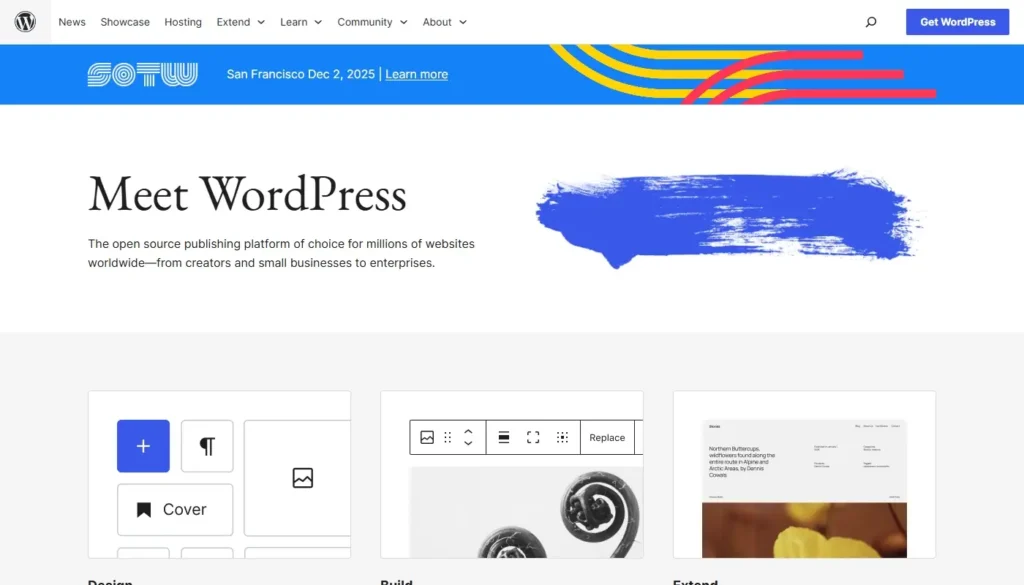
Not every Weebly site is store-first. Many start as blogs, resource hubs, or service sites with a small shop attached. If your core asset is content and SEO, self-hosted WordPress.org becomes a very compelling alternative.
What makes WordPress a leading Weebly alternative
WordPress offers:
- Full control over your content structure with pages, posts, categories, tags, and custom content types.
- Thousands of themes for every niche, from minimal blogs to complex business sites.
- A massive plugin ecosystem that can add almost any feature: SEO suites, forms, bookings, memberships, multilingual features, and more.
- Tight integration with powerful SEO plugins and performance tools.
- The ability to add eCommerce (most commonly via WooCommerce) when you’re ready.
Unlike Weebly, WordPress is open source. You’re not locked into a single company’s hosting or roadmap. You can change providers, redesign, and expand without rebuilding everything from scratch.
When WordPress is the best fit
Consider WordPress if:
- Your website is content-heavy, with a serious focus on organic search and publishing.
- You want fine-grained control over structure, URLs, and SEO.
- You’re ready to handle (or outsource) some technical basics like hosting, updates, and backups.
- You want a site that can turn into almost anything: blog, membership, course platform, store, or all of the above.
If Weebly is holding back your content strategy more than anything else, WordPress is usually the strongest upgrade path.
Wix: A Visual, Hosted Upgrade for Design and Features
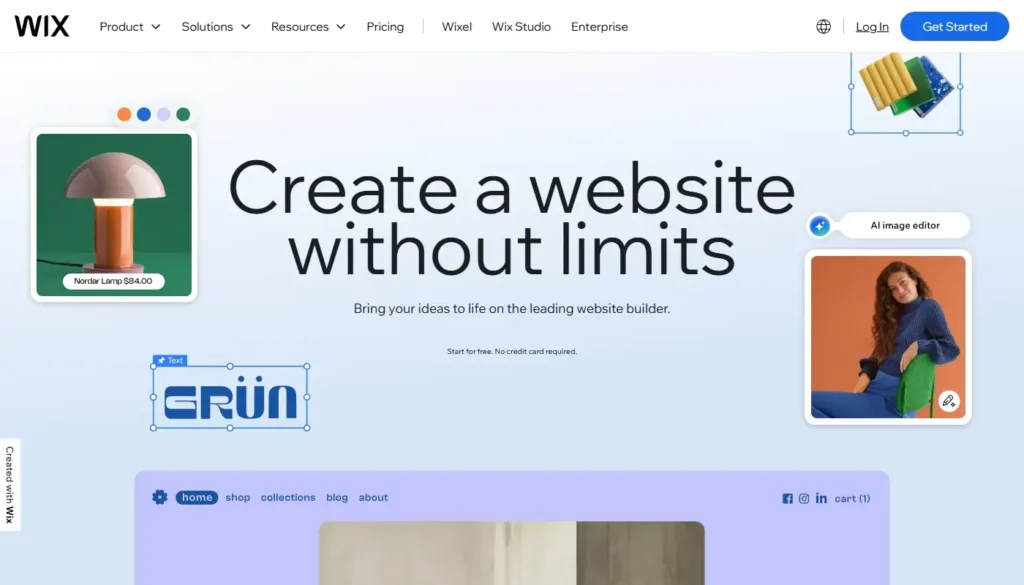
If you like the hosted builder model but find Weebly too limited in look and feel, Wix is often the most natural “same idea, but better” alternative.
Why Wix is attractive to ex-Weebly users
Wix offers:
- A much larger and more modern template library, frequently updated.
- A more powerful visual editor with precise control over layout, spacing, and sections.
- A rich app market with tools for booking, marketing, forms, events, and more.
- Built-in modules for blogging and eCommerce that are more capable than Weebly’s equivalents.
It still handles hosting and infrastructure for you, so you’re not suddenly thrown into server management. But unlike Weebly, Wix gives you more creative freedom and more functional headroom.
When Wix makes sense
Wix is a good choice if:
- You mainly want a better-looking, more flexible site than Weebly can provide.
- You prefer to stay in a hosted, no-code environment.
- Your store is important but not as complex as a dedicated Shopify setup might later require.
- You value design and presentation, but don’t want to manage WordPress-level complexity.
If your frustration with Weebly is “my site looks basic and I can’t fix it,” Wix feels like the logical next stop.
Squarespace: Polished Design for Brand-Led Websites

For some Weebly users – especially creatives, consultants, and small studios – the main priority after migration is a site that looks professionally designed out of the box. That’s where Squarespace comes in.
What makes Squarespace a strong alternative
Squarespace focuses on:
- Carefully curated templates with excellent typography, spacing, and layout.
- A streamlined editing interface that encourages consistency and avoids clutter.
- Solid built-in support for blogs, portfolios, and simple stores.
- Optional scheduling and member areas on certain plans.
Compared to Weebly, Squarespace feels more cohesive and design-driven. You sacrifice some raw flexibility, but it’s much harder to end up with a “messy” design.
When Squarespace is a good fit
Squarespace is worth considering if:
- Your site is brand-, content-, or portfolio-first, with commerce as a secondary feature.
- You want to prioritize visual quality and user experience over complex logic.
- You don’t need heavy integrations or deeply customized workflows.
If your move from Weebly is primarily about professional presentation and a clean, modern look, Squarespace offers a comfortable and polished alternative.
Webflow: For Design-Driven, Semi-Technical Teams
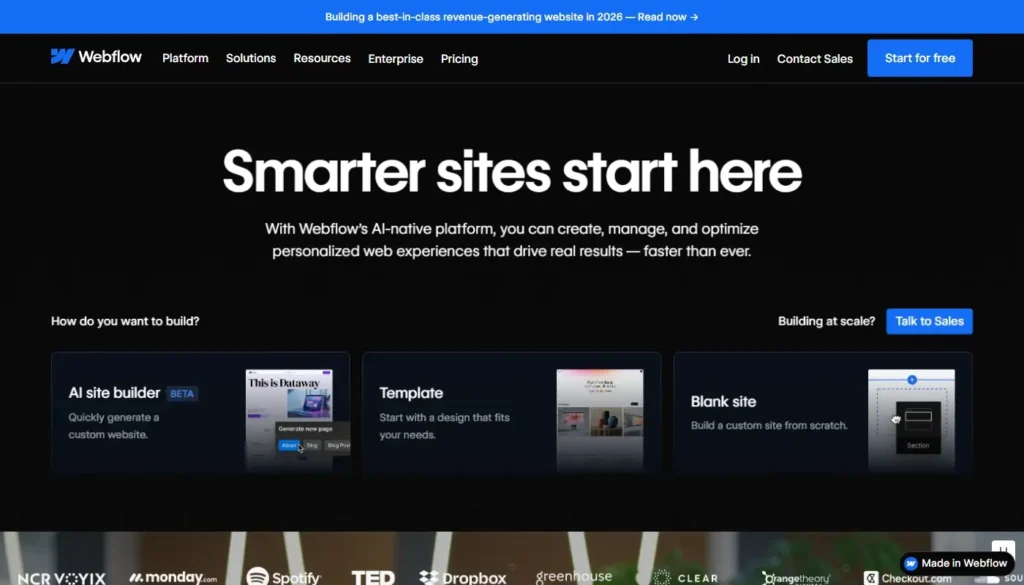
Some Weebly sites are maintained by designers or agencies who feel totally boxed in by simple builders. They don’t just want more templates – they want near full control of the front end without manually coding every line. That’s where Webflow enters the picture.
Why Webflow is different
Webflow gives you:
- A visual interface that maps closely to underlying HTML/CSS concepts.
- Highly custom layouts, interactions, and animations without writing everything by hand.
- A built-in CMS for structured content collections.
- Integrated hosting with performance and deployment handled for you.
It’s more complex than Weebly, and even more intense than Wix, but for the right team it becomes a powerful middle ground between a simple builder and full custom development.
When Webflow makes sense
Webflow is a good post-Weebly move if:
- You (or your team) already understand design and basic front-end concepts.
- You need pixel-level control and advanced interactions.
- You’re building a marketing or content site where bespoke design is part of your brand strategy.
For non-technical solo owners who just want something simple, Webflow is often too much. But for design-focused teams trapped in Weebly’s limitations, it can feel like a major unlock.
Quick Comparison: Leading Weebly Alternatives at a Glance
Here’s a high-level snapshot to help you see how the main alternatives differ:
| Platform | Best For | Strength Compared to Weebly | Trade-Offs / Considerations |
| Shopify | Store-first businesses, serious eCommerce | Deep commerce features, huge app ecosystem | Proprietary, more store-focused than content-first |
| WordPress.org | Content/SEO-driven sites, flexible long-term projects | Maximum control, open source, huge plugins | Requires hosting, updates, and more setup |
| Wix | Visual business sites, hosted upgrade from Weebly | Bigger design toolkit, larger app market | Still proprietary; can get complex if overdone |
| Squarespace | Brand-led portfolios, simple stores, creative sites | Beautiful templates, cohesive UX | Less flexible; fewer advanced integrations |
| Webflow | Design-heavy, semi-technical teams and agencies | Near full visual control over front end | Steeper learning curve; overkill for simple sites |
No single platform is “best” for everyone. The right Weebly alternative depends on what role your website plays in your business, and how far you want it to go.
How to Choose Your Post-Weebly Platform
Instead of starting from the tools, start from your next 2-3 years:
- If your main goal is to grow a real online store, prioritize Shopify.
- If your main asset is content and SEO, look closely at WordPress.
- If you want an all-in-one hosted builder with more design power and apps, check out Wix.
- If your top concern is design polish and simplicity, consider Squarespace.
- If you’re a design-savvy team needing full visual control, evaluate Webflow.
Then layer on practical questions:
- How much technical responsibility am I willing to take on?
- Which tools do I already use (email, CRM, POS, shipping), and which platforms integrate best with them?
- How big could this website or store realistically become if things go well?
Treat migration not as a chore but as an opportunity to align your platform with your business model, growth plans, and brand – not just your current comfort zone.
Final Thoughts: Don’t Just Leave Weebly-Trade Up
Leaving Weebly can feel intimidating, especially if your site has been there for years. But staying on a platform that limits your design, content and store capabilities can quietly cost you far more in missed opportunities than a one-time migration ever will.